Spend less time rebuilding discovery. More time advising the client.

Turn interviews, notes and documentation into a connected operational picture you can validate with the client and use throughout the engagement.

Build the picture once. Use it throughout the engagement.

Clients bring you questions about AI, systems, capacity, integration and process change. Each one needs a reliable picture of how the work operates today.

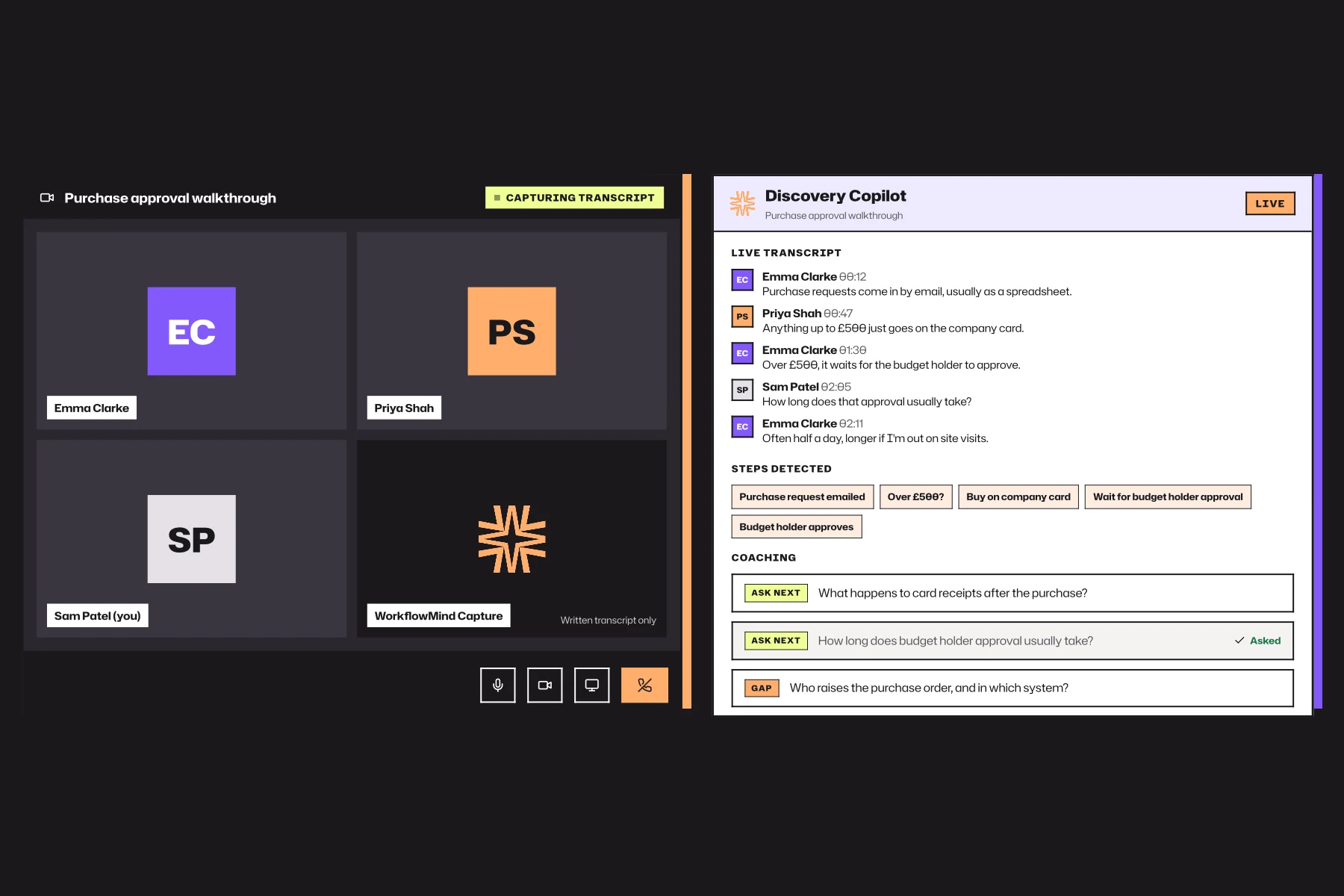
WorkflowMind helps you build that picture from conversations, notes and existing documentation, then spend your time validating it, understanding what it means and advising the client.

See the partner view →

One workspace for each client engagement.

Create a separate Client Workspace for each organisation you work with. Bring discovery and operational evidence together, invite the people you need, and keep each client’s work contained in its own workspace.

Client engagement lifecycle

  1. Discovery
  2. Client Workspace
  3. Operational model
  4. Recommendations
  5. Client handover

Spend less time documenting. More time understanding.

Start with interview transcripts, notes and existing documentation. WorkflowMind helps turn them into a structured first draft so you can focus on validating what you heard, finding the gaps and working out what they mean.

WorkflowMind generating a draft process map from consultant notes
WorkflowMind analysis of a mapped operation

Turn what people tell you into evidence you can work with.

Connect the work to people, systems, time, workload and cost. Use the evidence to explain what is creating pressure and support your recommendations.

  • Processes and handoffs.
  • People and responsibilities.
  • Systems and dependencies.
  • Time, frequency and process costs.
  • Workload and capacity.
  • Bottlenecks and key-person dependencies.
  • Automation and change opportunities worth investigating.

Don’t disappear into a black box between interviews and the final presentation.

Invite client stakeholders into the workspace so they can review what you captured, correct what is not right and help build a shared picture of the operation.

Then use that same picture to explain your findings and recommendations.

Leave the client with something they can keep using.

When the engagement ends, the operational knowledge doesn’t have to disappear into a final deck. The client’s processes, people, systems and evidence remain together in their Client Workspace.

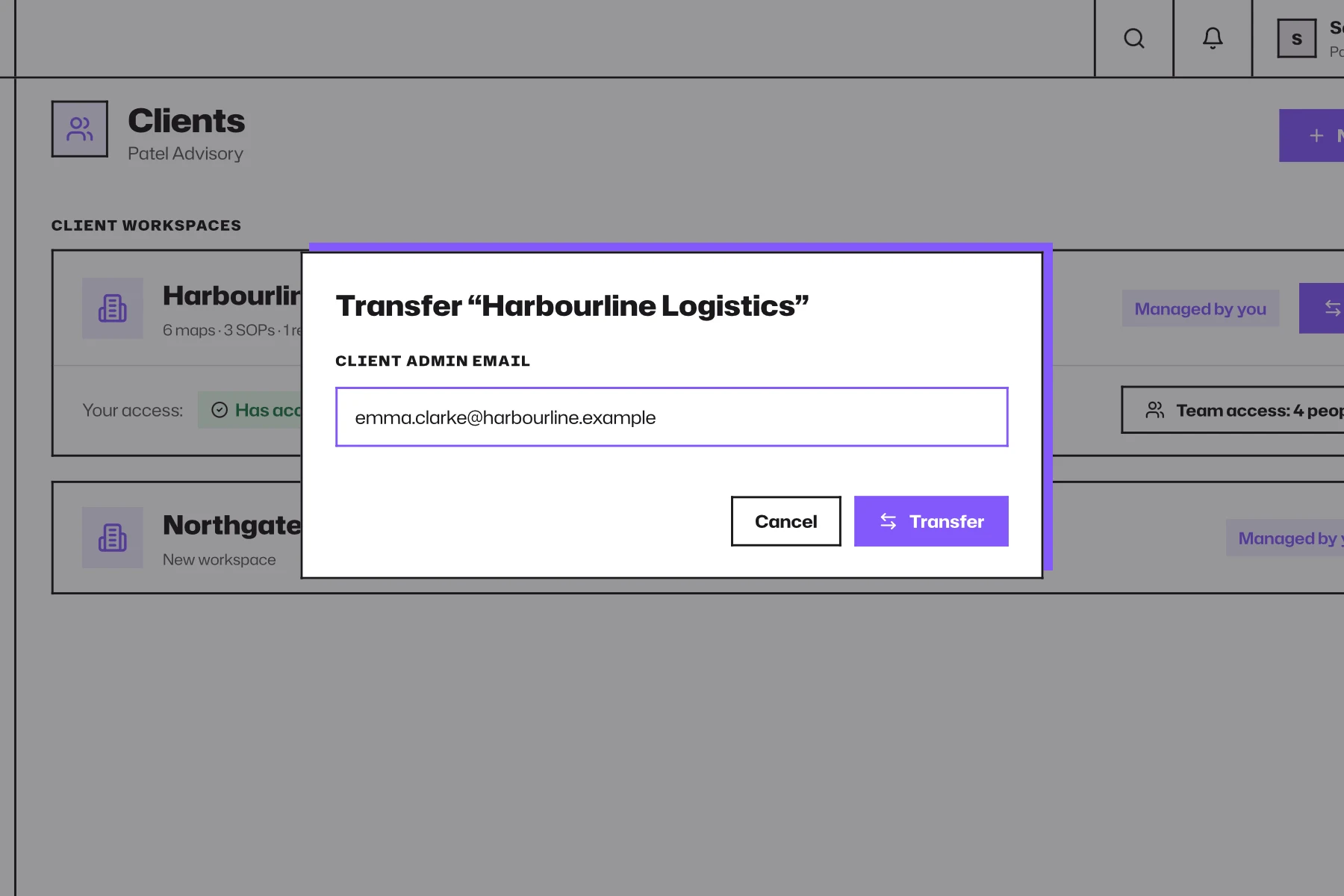
Content created in a Client Workspace belongs to the client. At their request, the workspace can be transferred into their direct control so they can continue using it under their own WorkflowMind subscription.

Your work doesn’t disappear when the engagement ends.

Read the workspace terms →
WorkflowMind view of a client's connected operation

Choose a plan for your client work.

Independent Consultant supports up to 3 Client Workspaces; Consultancy supports up to 10. Try WorkflowMind for free, then upgrade in the app to the plan that fits your engagements.

Annual consultant plans include a 60-minute Guided Setup you can use around your first client investigation.

Compare consultant plans →

Technology or implementation partner?

Partners have a distinct job: understanding the customer operation before designing or implementing a change. The partner page covers baselines, adoption scope and how to work with customers.

Technology & Implementation Partners →

Use the platform your way. Or become trained in ours.

You don’t need training to use WorkflowMind with clients.

Practitioner Training is for consultants who want to apply the full WorkflowMind Method, from defining the operational question through discovery, evidence and decision.

Complete the practical assessment to become a Certified WorkflowMind Practitioner.

Explore Practitioner Training →

WorkflowMind structures the evidence. You bring the judgement.